Building a gaming PC on a budget can be an exciting venture, especially if you want to experience the thrill of gaming without breaking the bank. The EVGA GeForce 750 Ti is a powerful yet cost-effective graphics card that can serve as the heart of your gaming rig. In this article, we will explore the components needed to build a budget gaming PC around the 750 Ti, along with tips, tricks, and best practices for assembling your machine.
Understanding the EVGA GeForce 750 Ti

The EVGA GeForce 750 Ti is a popular choice among budget-conscious gamers. Launched in early 2014, it was designed to offer excellent performance for 1080p gaming while remaining affordable. Here’s what makes the 750 Ti a standout option:
- Performance: The 750 Ti can handle most modern games at medium to high settings, making it suitable for casual gaming.
- Power Efficiency: With a TDP of only 60W, it doesn’t require a powerful PSU, allowing for cost savings on that front.
- Price Point: As of 2023, the 750 Ti can often be found for around $100-$150, making it a great entry-level GPU.
Now that we understand the strengths of the EVGA GeForce 750 Ti, let’s look at the other components you’ll need to build a budget gaming PC.
Essential Components for Your Build
When building a budget gaming PC, it’s essential to select the right components that will complement the 750 Ti while keeping costs down. Here’s a list of the key components you’ll need:
- Processor (CPU): A mid-range CPU like the AMD Ryzen 3 3100 or Intel Core i3-10100 is ideal. Both options provide excellent performance without draining your budget.
- Motherboard: Choose a motherboard that is compatible with your CPU. For Ryzen, consider a B450 motherboard; for Intel, a B460 motherboard is suitable.
- RAM: 8GB of DDR4 RAM is the sweet spot for gaming. Look for a dual-channel kit (2x4GB) for better performance.
- Storage: An SSD is recommended for faster load times. A 500GB SATA SSD offers a good balance of speed and space.
- Power Supply (PSU): A 400W PSU from a reputable brand is sufficient to power this build. Ensure it has the necessary 6-pin connector for the GPU.
- Case: Choose a mid-tower case that can accommodate the 750 Ti and allow for adequate airflow.
Step-by-Step Building Process
With your components selected, it’s time to assemble your gaming PC. Follow these steps carefully:
1. Prepare Your Workspace

Before you start, ensure you have a clean, static-free workspace. Gather your tools, including a Phillips head screwdriver, and make sure you have plenty of space to work.
2. Install the CPU
Begin by installing the CPU onto the motherboard:
- Align the CPU with the socket, ensuring the notches match.
- Gently place the CPU into the socket and secure it using the locking mechanism.
3. Apply Thermal Paste and Install the Cooler
Apply a small amount of thermal paste on the CPU and mount the cooler according to the manufacturer’s instructions.
4. Install RAM
Insert the RAM sticks into the appropriate slots on the motherboard, ensuring they click into place.
5. Mount the Motherboard in the Case

Place the motherboard inside the case and secure it using the provided screws. Ensure all I/O ports are accessible from the back of the case.
6. Install the Power Supply
Mount the PSU in the designated area of the case, ensuring the fan is positioned for optimal airflow.
7. Install the EVGA GeForce 750 Ti

Locate the PCIe slot on the motherboard and carefully insert the 750 Ti. Secure it with screws to ensure stability.
8. Connect Storage Drives

Install your SSD in the designated slots and connect the SATA cables to the motherboard and power supply.
9. Connect All Cables
Ensure all power cables, data cables, and front panel connectors are connected correctly. Double-check your connections for any loose ends.
10. Power On and Install Software
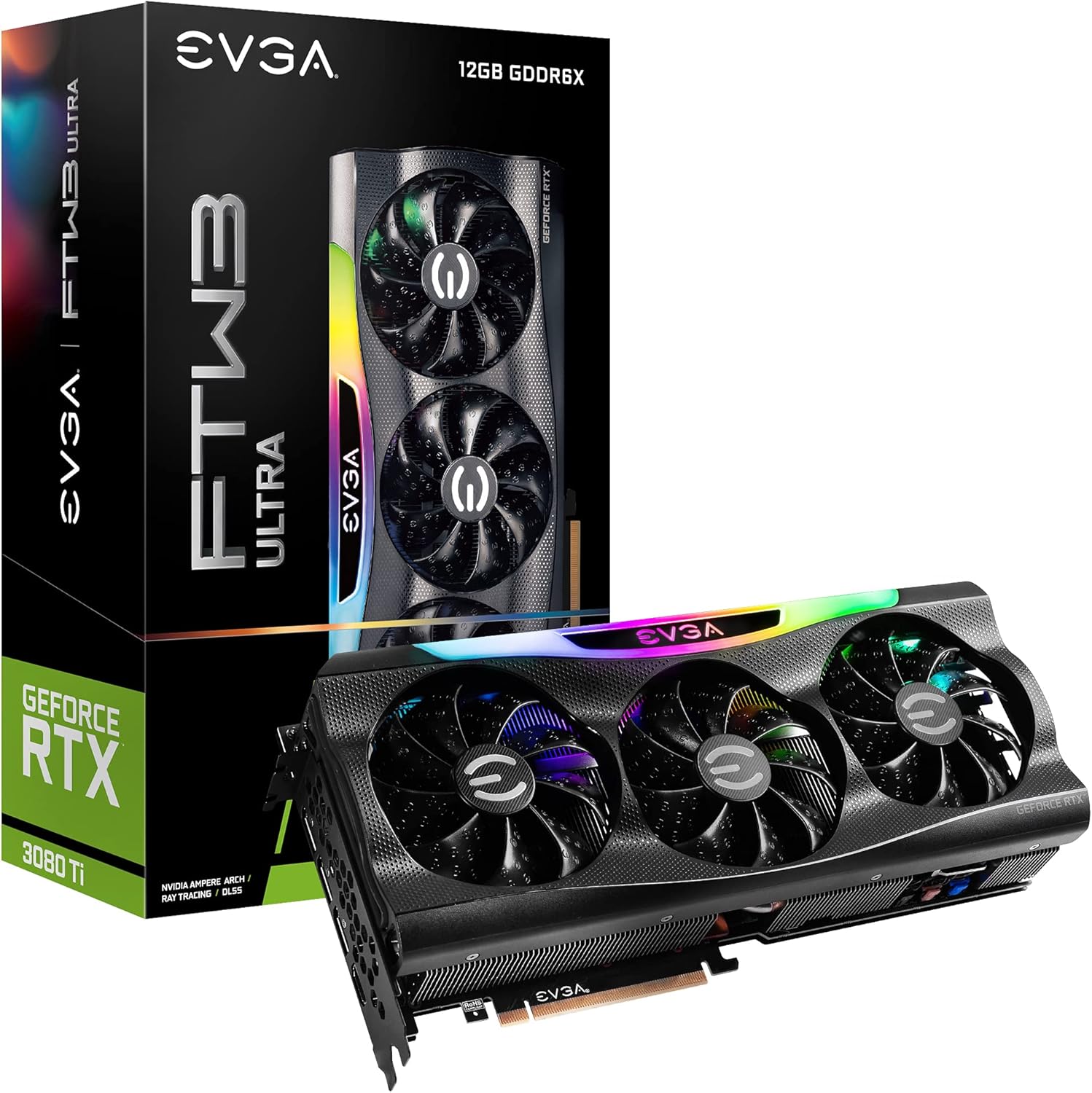
Once everything is connected, power on your PC. Enter the BIOS to ensure all components are recognized. Then, proceed to install your operating system and necessary drivers.
Optimizing Your Gaming Experience
Once your budget gaming PC is up and running, it’s time to tweak settings and optimize for a better gaming experience:
- Game Settings: Adjust in-game graphics settings to balance performance and visuals. The 750 Ti can handle 1080p at medium settings for most titles.
- Monitor Refresh Rate: Make sure your monitor is set to the correct refresh rate for smoother gameplay.
- Overclocking: If you’re comfortable, consider mild overclocking of the GPU using tools like MSI Afterburner for improved performance.
Case Study: Successful Budget Builds
Many users have successfully built budget gaming PCs featuring the 750 Ti. For instance, a Reddit user shared their experience building a gaming rig for under $500, leveraging the 750 Ti’s capabilities. They reported smooth gameplay on titles like “Fortnite” and “League of Legends” with high frame rates. Such success stories highlight the potential of a budget gaming setup.
Building a budget gaming PC featuring the EVGA GeForce 750 Ti is not only feasible but can also lead to an enjoyable gaming experience without stretching your finances. By carefully selecting compatible components and following a structured assembly process, you can create a machine that delivers solid performance at an accessible price point. Remember to optimize your settings for the best gaming experience, and don’t hesitate to share your build with the gaming community. With careful planning and execution, you can unlock a fantastic gaming experience on a budget.
In summary, the key takeaways for building your gaming PC are:
- Choose compatible components that balance performance and cost.
- Follow a step-by-step building process to ensure a successful assembly.
- Optimize your gaming settings for the best experience.
- Learn from the experiences of others in the gaming community.
Happy building!