
In today’s technology-driven world, the importance of connectivity cannot be overstated. As devices evolve, so do the standards for ports and connectors. USB-C has emerged as the go-to standard for many modern devices, offering faster data transfer speeds and improved power delivery capabilities. However, many people still have older devices that use USB-A ports. This article explores why investing in a USB-C to USB-A adapter is not just a wise choice but a necessary one for seamless connectivity.
Understanding USB-C and USB-A: A Quick Overview
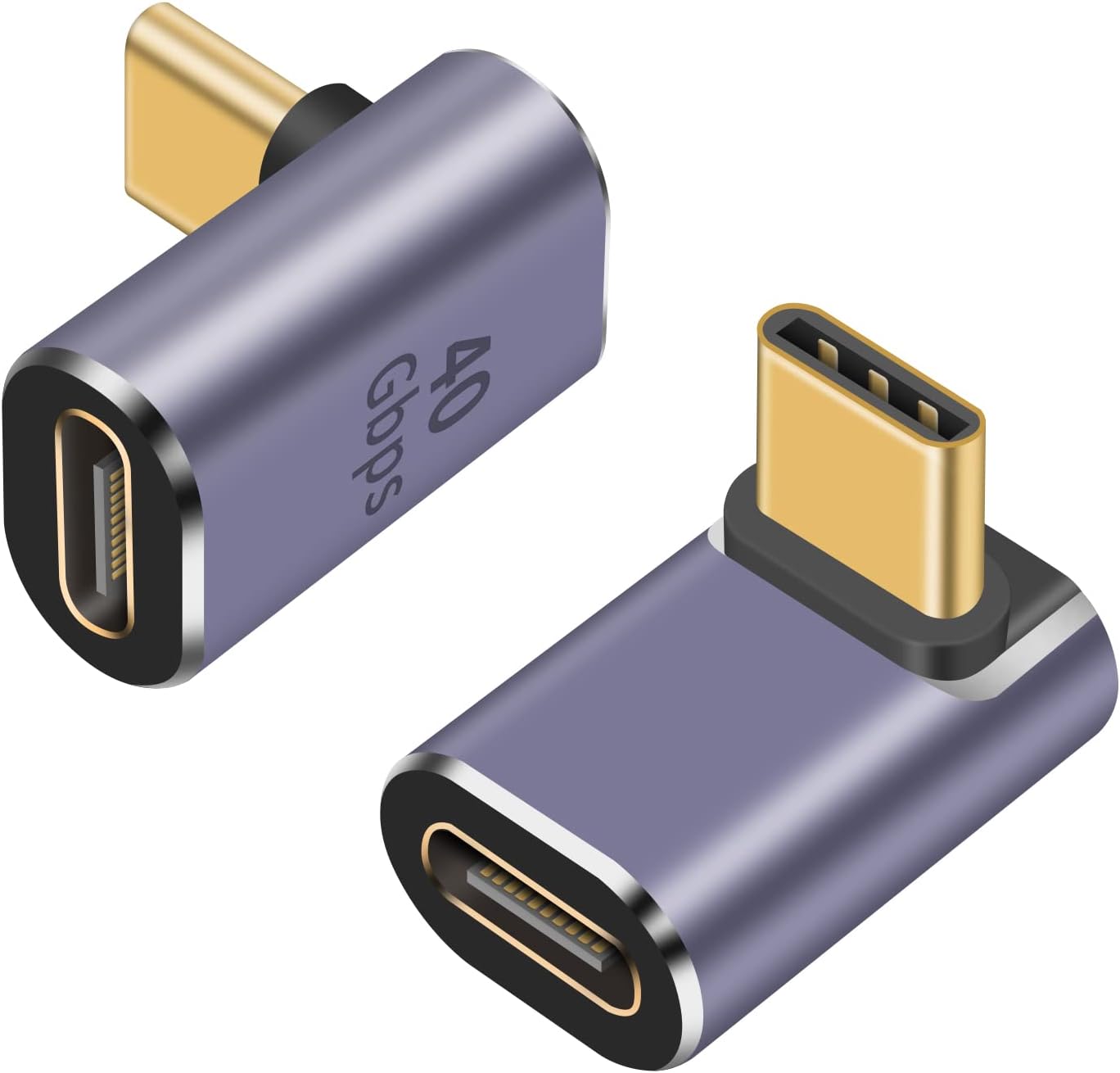
Before diving into the advantages of using a USB-C to USB-A adapter, it’s essential to understand the differences between USB-C and USB-A.
- USB-A: The traditional USB connector that has been around for years. Most older devices, including printers, keyboards, and external hard drives, utilize USB-A.
- USB-C: A newer standard that is reversible, meaning it can be plugged in either way. USB-C supports higher power levels and faster data rates, making it ideal for modern smartphones, laptops, and other devices.
Benefits of Using a USB-C to USB-A Adapter

Here are several compelling reasons to consider investing in a USB-C to USB-A adapter:
1. Compatibility with Existing Devices
One of the most significant advantages of a USB-C to USB-A adapter is compatibility. Many households and offices still rely on devices that utilize USB-A ports. By using an adapter, you can connect:
- External hard drives
- USB flash drives
- Keyboards and mice
- Printers
- Audio interfaces
This adaptability ensures that you’re not forced to replace perfectly functional devices simply because you’ve upgraded to a USB-C-enabled device.
2. Cost-Effective Solution

Investing in a USB-C to USB-A adapter is significantly more cost-effective than replacing all your older devices with new USB-C compatible models. For example:
- USB-C to USB-A adapters are widely available, often priced between $5 to $30.
- Replacing multiple devices can cost hundreds of dollars.
This makes the adapter a financially sound choice, especially for businesses trying to manage costs while upgrading technology.
3. Enhanced Data Transfer Speeds
While USB-A typically supports speeds up to 5 Gbps (USB 3.0), USB-C can offer speeds up to 20 Gbps (USB 3.2). When using a USB-C to USB-A adapter, you can still enjoy enhanced data transfer rates when connecting to USB-C devices. This is particularly beneficial for:
- Transferring large files quickly
- Backing up data from external hard drives
- Streaming high-definition video content
By utilizing an adapter, you can maximize the performance of your existing devices, ensuring efficiency and speed.
4. Future-Proofing Your Tech Setup
As technology continues to evolve, the shift towards USB-C is becoming more pronounced. Many new laptops, smartphones, and tablets are adopting USB-C as their standard port. By purchasing a USB-C to USB-A adapter, you are future-proofing your tech setup, ensuring that:
- You can continue using older devices while still embracing newer technology.
- You’re prepared for further advancements in connectivity and data transfer.
In essence, this small investment can save you from obsolescence in a rapidly changing technological landscape.
Real-World Examples and Case Studies

Let’s consider a few real-world scenarios where a USB-C to USB-A adapter proves invaluable:
Case Study 1: A Freelance Graphic Designer

A freelance graphic designer frequently works with large design files stored on an external hard drive with a USB-A connection. By using a USB-C to USB-A adapter with their new USB-C laptop, they can:
- Access their files without needing to purchase a new hard drive.
- Transfer files quickly between their laptop and the external hard drive, enhancing productivity.
Case Study 2: A Small Business Owner
A small business owner utilizes a variety of USB-A devices, including a printer and a scanner. Transitioning to a USB-C laptop could have been costly, but with USB-C to USB-A adapters, they can:
- Maintain their existing equipment.
- Streamline their operations without unnecessary expenditures.
Considerations When Choosing an Adapter

When looking for a USB-C to USB-A adapter, it’s crucial to consider the following:
- Compatibility: Ensure the adapter supports the specific USB standards of your devices.
- Build Quality: Look for adapters made from durable materials to withstand wear and tear.
- Data Transfer Speeds: Check the maximum speeds supported to ensure they meet your needs.
The Smart Choice for Connectivity
In conclusion, a USB-C to USB-A adapter is an essential accessory for anyone navigating the modern tech landscape. With benefits ranging from compatibility with existing devices to cost-effectiveness and future-proofing, it’s clear that such an adapter can significantly enhance your connectivity experience. As technology continues to evolve, having a reliable way to connect both new and old devices will ensure you’re always ready, regardless of the situation.
Whether you’re a professional, a student, or a casual user, the right adapter can keep your devices working harmoniously, making the USB-C to USB-A adapter a worthy investment for anyone looking to optimize their tech ecosystem.


